Read beside your notes
Keep a notebook alongside your page in Duo layouts. Capture a thought without losing your place.
 Opal ReaderDownload on the App Store

Read PDFs and EPUBs with a notebook beside the page, in layouts designed for iPhone Duo.
Also available on iPhone and iPad.
Available now on the App Store for iPhone and iPad.
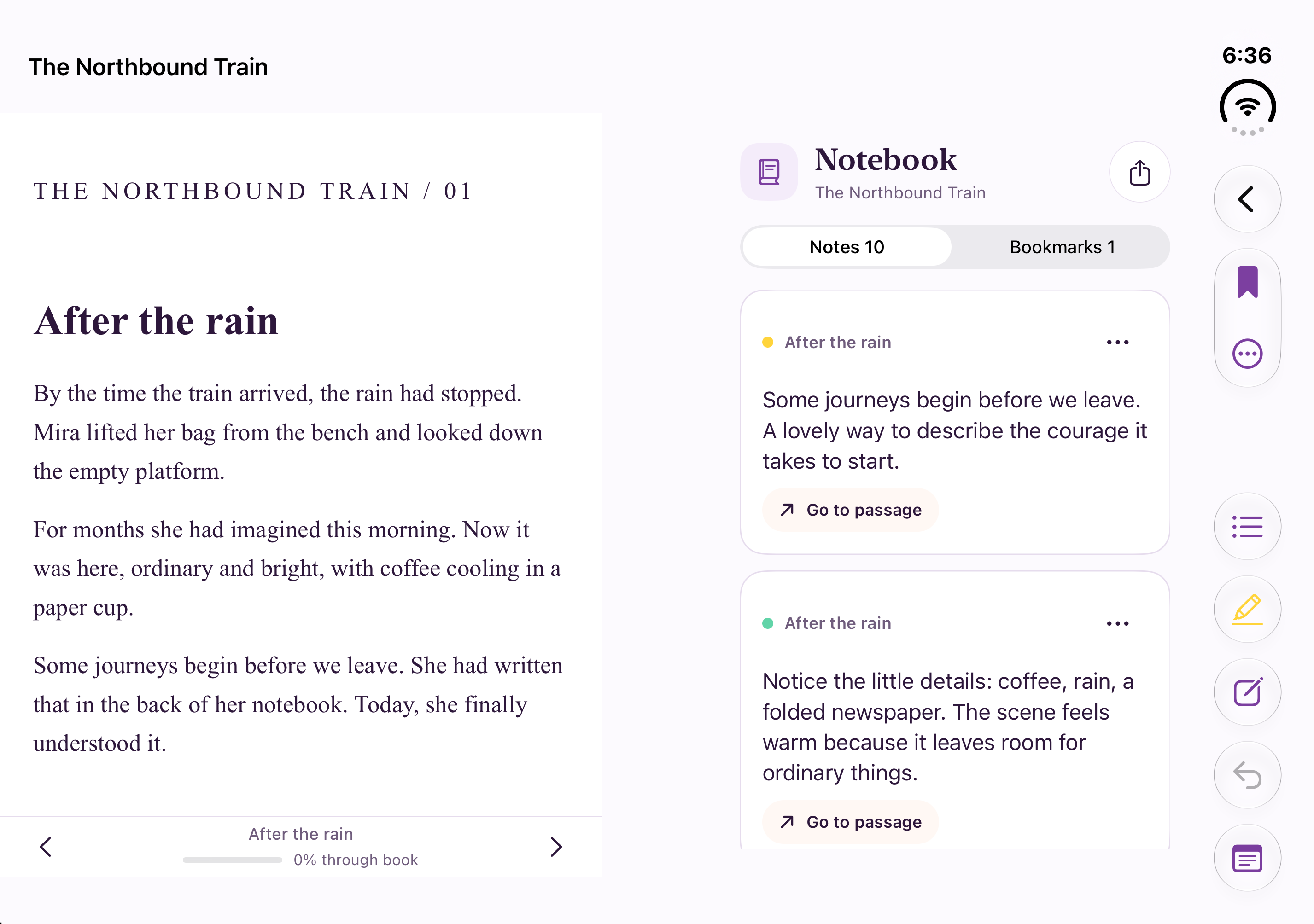
Keep a notebook alongside your page in Duo layouts. Capture a thought without losing your place.
Highlight, underline and comment. Add positioned notes and touch drawings to PDFs, then export annotated PDFs or notes.
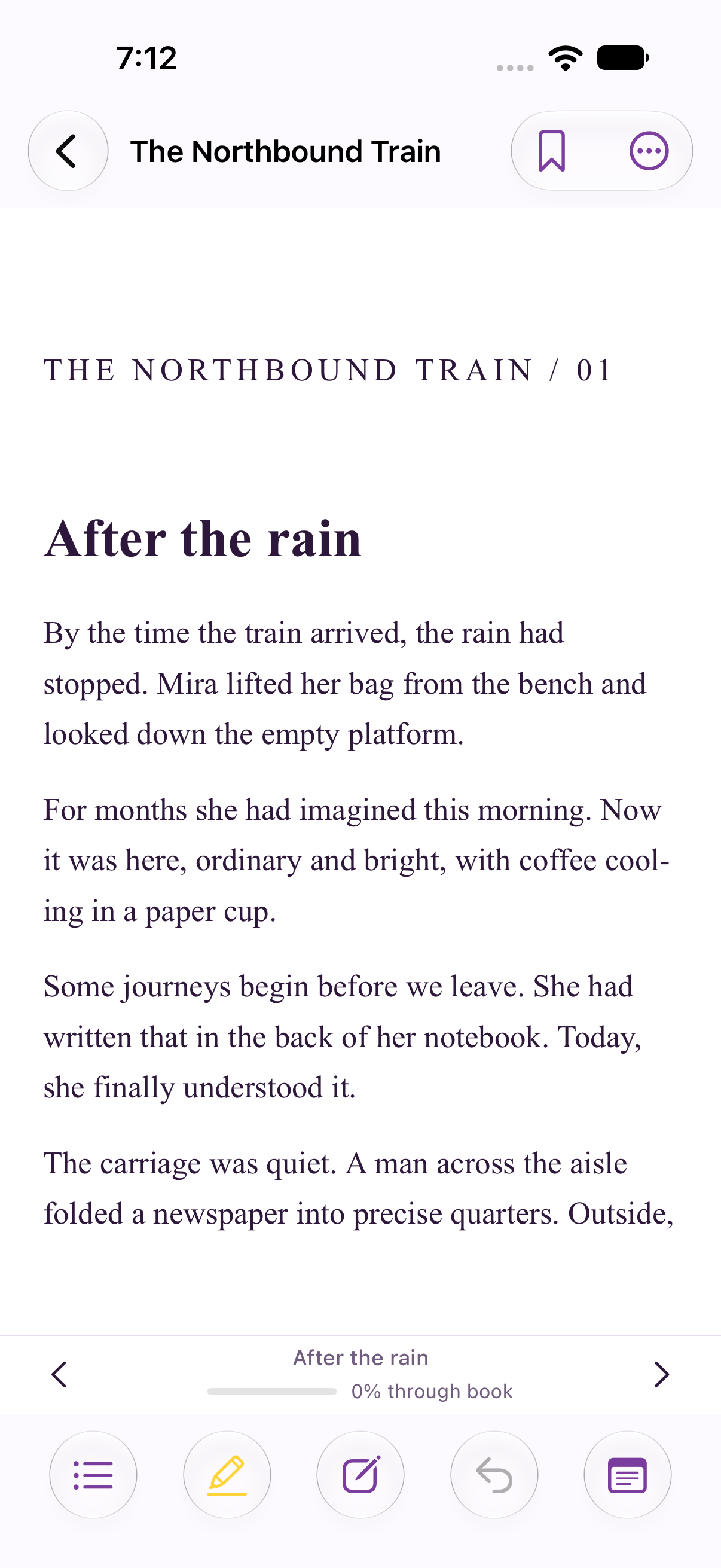
Continue in a compact view with your place saved. Your notebook opens as a sheet when there is less room.
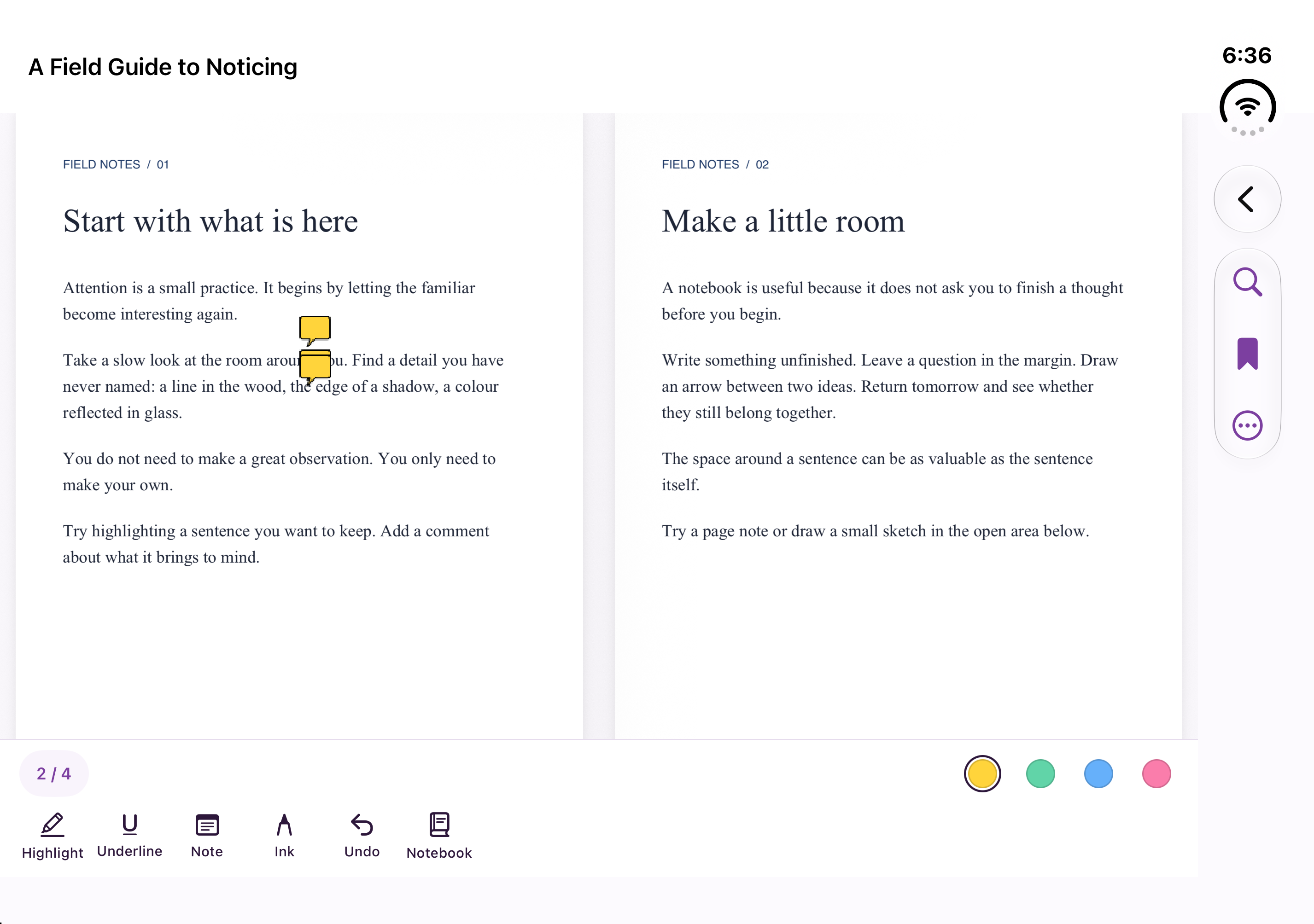
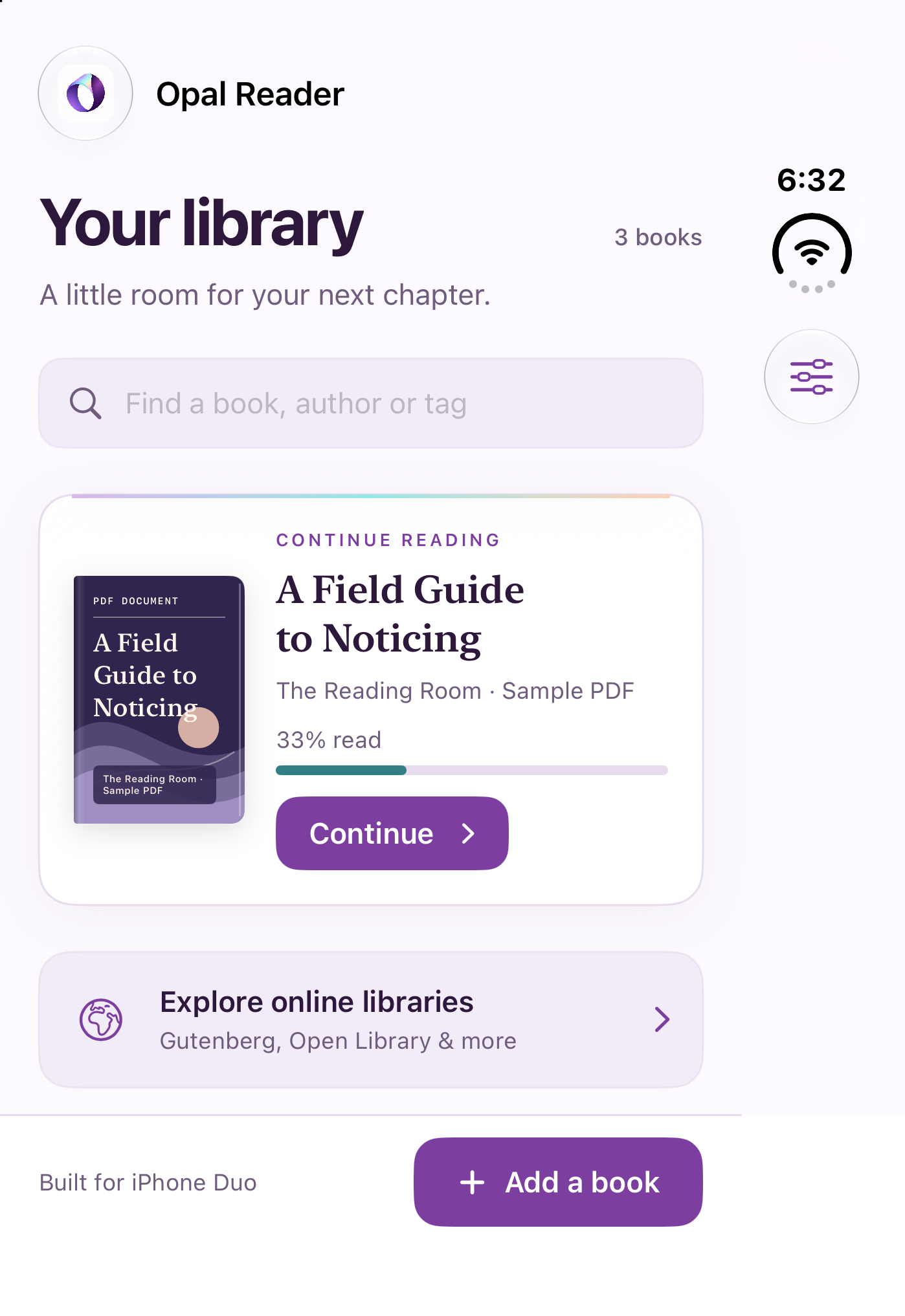
Unfold room for your book and notes on iPhone Duo. Read your EPUBs on iPhone, or open PDFs and annotation tools on iPad.
iOS / iPadOS 27.0 or later. Duo fold-aware layouts require iOS 27.1 or later.
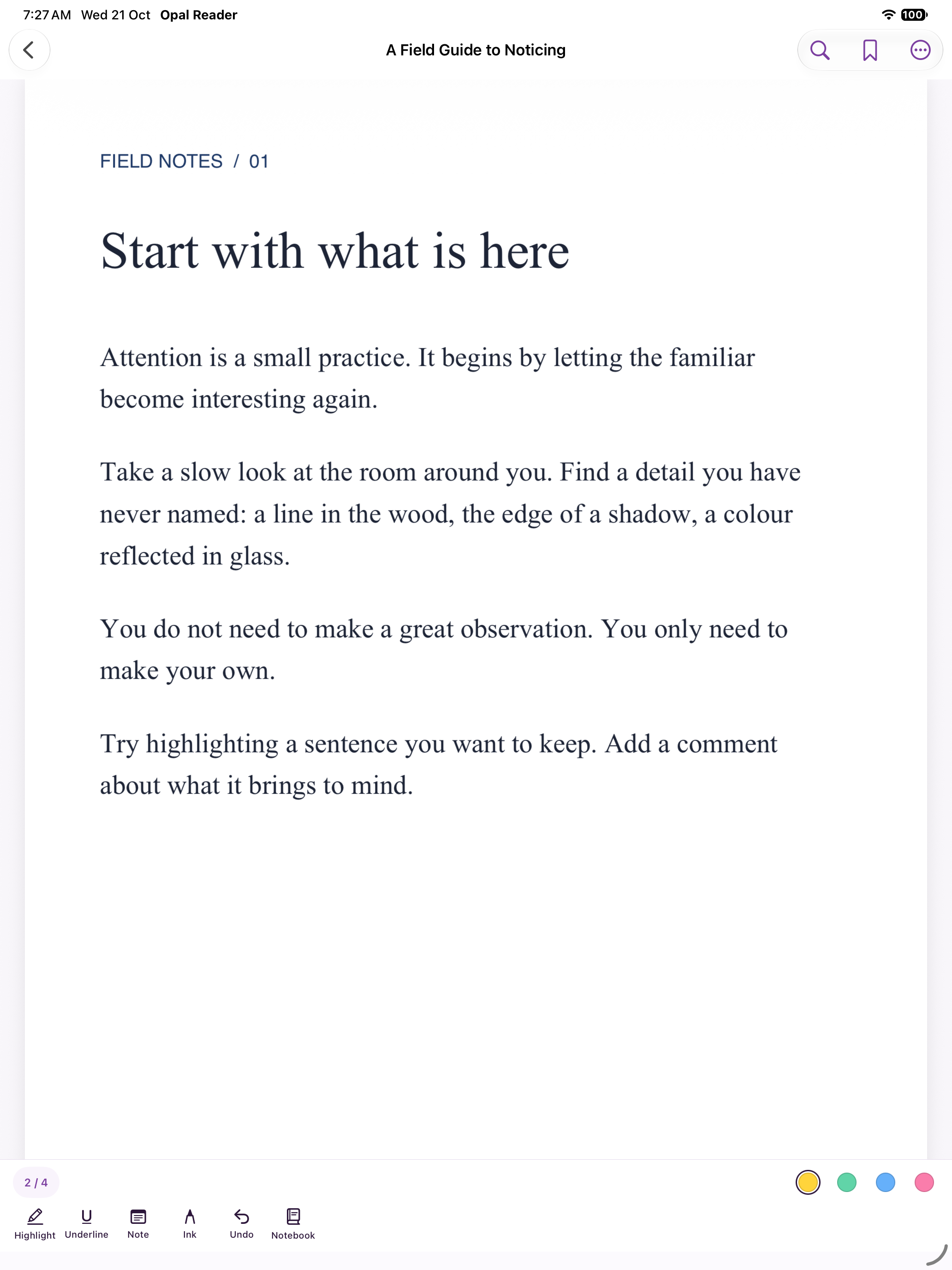
Import from Files or Open In. Search, use contents and thumbnails, and open password-protected PDFs. DRM-free EPUBs are supported.
Choose or import fonts; adjust margins, spacing and alignment. Keep publisher formatting or read in pages or a continuous scroll, with three themes.
Use collections, tags, series and reading status. Edit titles, authors and covers without changing original imports.
Search Project Gutenberg and add supported editions. Search Open Library, browse Standard Ebooks and Internet Archive, or connect an OPDS 1 or Calibre catalog for supported same-server EPUB/PDF downloads. Provider rules apply. Read aloud uses installed system voices; local reading works offline.
Same story. A different feeling.
Opal Light, Prism and Midnight. All included free.
A website theme preview with original sample stories.
There is something about the first page. The small promise of a world you haven’t stepped into yet. A thought that might stay with you long after you put the book down.
Outside, the afternoon moved slowly. Light gathered at the edge of the window, and for once, there was nowhere else to be.
So she turned the page.
Bright surfaces. Amethyst details. Room to read.

Unlimited reading. Three annotated documents free.
No subscription required for Pro.
A reader you can use every day.
Keep your thoughts across your whole library.
Unlock Pro inside Opal Reader with a one-time purchase through Apple.
$14.99 is the USD price. Local pricing may vary and is shown before purchase. The upgrade is offered when you want to annotate a fourth document. Existing annotations remain accessible and exportable without upgrading. Deleting a document does not reset the free allowance.
Pro unlocks annotation on additional documents. Reading, all three themes and Duo layouts are free. Books and paid catalog access are not included. Protected retail books and library loans require their provider’s reader.
Pro removes the three-document annotation limit. Free already includes unlimited PDF/EPUB reading, bookmarks, the three themes, Duo layouts and library discovery. You can try the full annotation tools on three documents before paying.
No. It is a one-time purchase for the listed Pro features.
Unfold for a wider EPUB view or two PDF pages together. Keep the notebook beside your book, then continue in compact view with your position saved.
Opal Reader supports iPhone and iPad with iOS / iPadOS 27.0 or later. System division-aware layouts on iPhone Duo require iOS 27.1 or later. On compact screens, the notebook opens as a sheet.
Yes. Purchased Pro features remain unlocked even if pricing changes or optional extras are introduced.
The upgrade is offered when you want to annotate a fourth document. Existing annotations remain accessible and exportable without upgrading. Deleting a document does not reset the three-document allowance.
Yes. Import PDFs and DRM-free EPUBs from Files or Open In. Opal Reader makes its own copy and preserves the original. Scanned PDFs support drawing and positioned notes; selecting text and read aloud require a text layer.
No. Pro is an annotation upgrade. Book downloads, borrowing, protected loans and catalog accounts depend on the provider’s availability, permissions and terms.
No. Local reading works offline without an app account. Optional iCloud sync carries supported books, positions, bookmarks, notes and collections through your private Apple iCloud account. Documents up to 100 MB are supported; sync runs while the app is open and pauses while reading.
Use Restore Purchases in the app with the Apple account that bought Pro. For import, annotation and purchase troubleshooting, visit the support page.